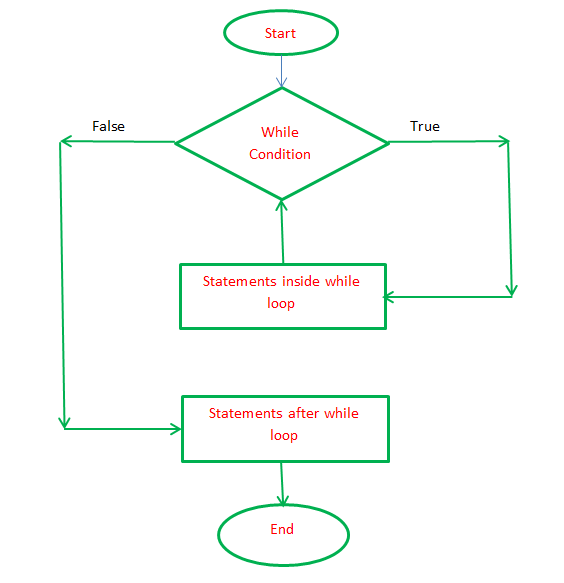
While loop flowchart
{
int count=0;
while(count<=5)
{
int mark=90;
count=count+1;
}
}
- Initially count is zero
- When my count is less than or equal to 5, do the below
2.1 Get mark
2.2 Increment count by 1
2.3 Go back to the step 2.
3. Stop
Scanner
The Scanner class is used to get user input, and it is found in the java.util package.
To use the Scanner class, create an object of the class and use any of the available methods found in the Scanner class documentation. In our example, we will use the nextLine() method, which is used to read Strings
How Scanner is created ?
import java.util.Scanner;
Scanner scanner=new Scanner(System.in);
int mark=scanner.nextInt();

 balajipglory